Power
How many modules can your port run?
Every module draws power through the USB cable to your One Touch. How many your computer runs depends on the port and on which modules you have. For bigger decks, add the Power Block.
How much power?
Build your deck.
Add the modules you have. You’ll see what to plug your deck into.
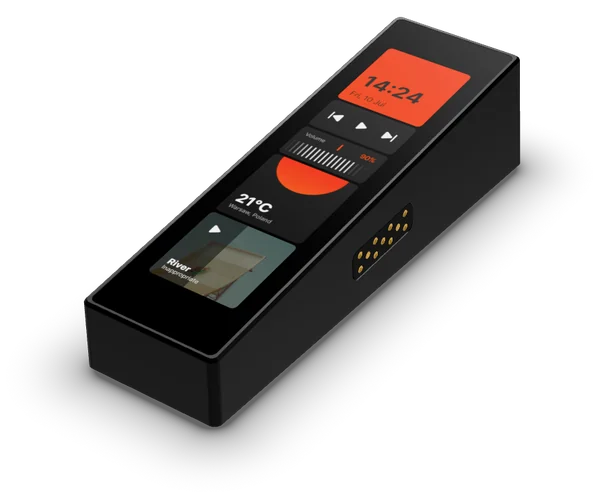
One Touch
1.41 W
Always 1, plugged into your computer
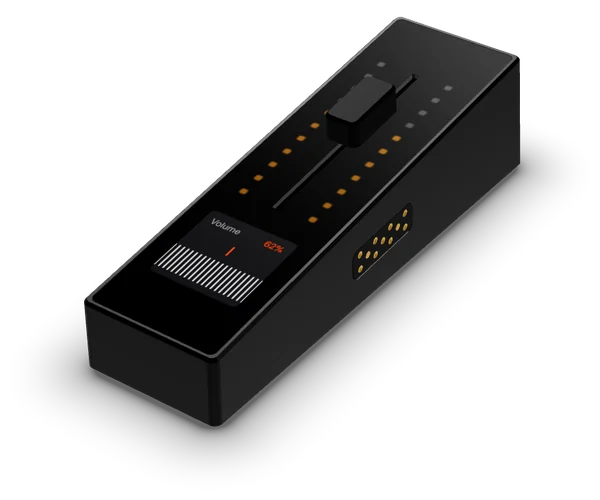
Slide
3.33 W each
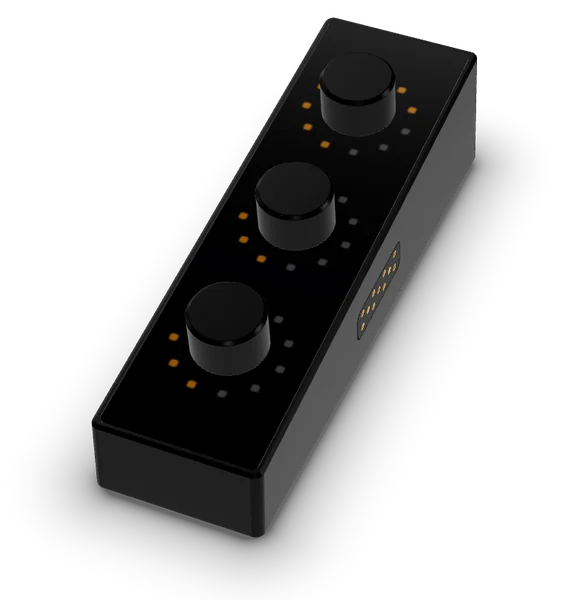
Spin
1.35 W each
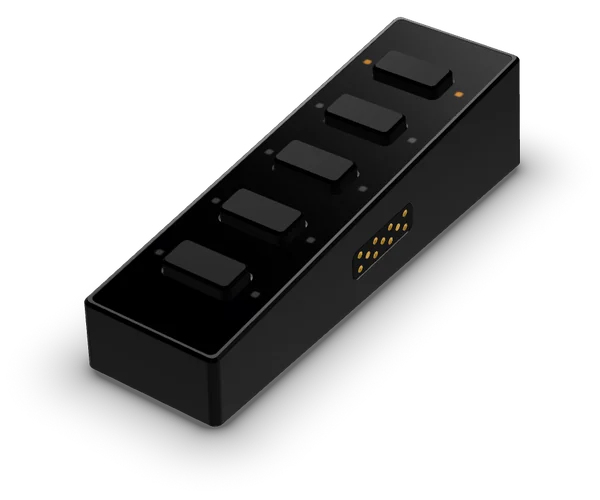
Click
0.95 W each
Extra One Touch
1.48 W each
Plug it into
A USB-C port with 7.5 W or higher
Straight from your computer. No Power Block needed. One Touch + 3 modules need 7.0 W.
Up to 16 modules in one deck, One Touch included. Preliminary figures.
TODO: align the port limits with the overview calculator (from modue.com) once the modules are measured. The brief gives One Touch + 15 on USB-C Power Delivery; Damian’s articles give One Touch + 8 at most without a Power Block.
Signs your deck needs more power
- Screens or LEDs look dimmer than usual
- Modules disconnect or aren’t detected
- The Slide fader moves slowly
Power Block
Need more power? Add the Power Block.
Power comes from a USB-C charger, data from your computer. The more powerful the charger, the more modules it runs, up to 16 including the One Touch.
Plug the charger into the wall, then into the Power Block.
Connect your computer to the Power Block. This cable carries the data.
Connect the Power Block to your One Touch.
Any USB port, even USB-A, then runs your One Touch and 15 modules at full brightness and full fader speed. You need the Power Block, a USB-C Power Delivery charger, a USB cable to your computer and the USB-C cable from the modue box.
TODO: the recommended charger (the brief mentions a 45 W power supply).
USB cable
One cable, into the One Touch.
Use the cable from the box
It’s USB-C to USB-C. Some cables only charge and don’t carry data.
Only the One Touch has a port
Slide, Spin and Click get power and data through it.
Plug in directly
Not through an unpowered hub: those often can’t supply enough power.
Still not detected?
Try another port, preferably USB-C, and check that the modue app is installed and running.
Watch
Power, in three short videos.
TODO: the videos. A thumbnail first; the player loads only after a click, with no third-party cookies before consent.