Films
Put on a film in a minute.
Every module has a film made for it, with cutouts where the fader, knobs or keys sit. One kit per module, with a spare film in every box.
TODO: confirm the English product name for the films (Damian’s scripts call them screen protectors).
In the kit
Everything you need.
- 2×Films, one of them a spare
- Wet wipes
- Dry cloth
- Dust stickers
- Bubble remover tool
Step by step
Choose your module.
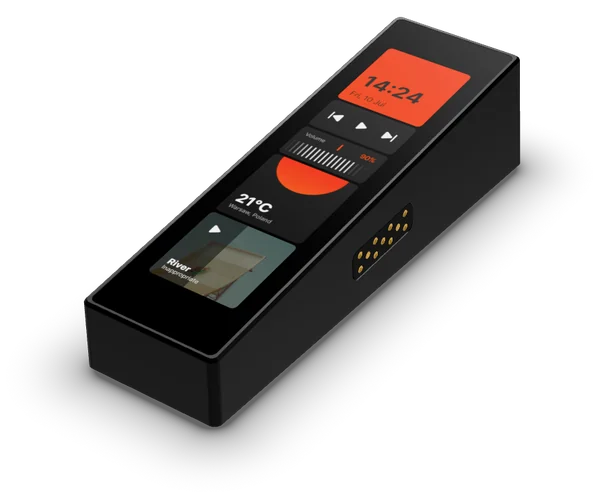
- 01
Clean the glass with a wet wipe, then dry it with the cloth.
- 02
Use a dust sticker to lift any remaining specks.
- 03
Peel the backing off the film. Hold it only by the edges.
- 04
Line it up with the edges of the screen, then lower it from one end. It settles on its own.
- 05
Push any small bubbles out to the edge with the bubble remover tool.
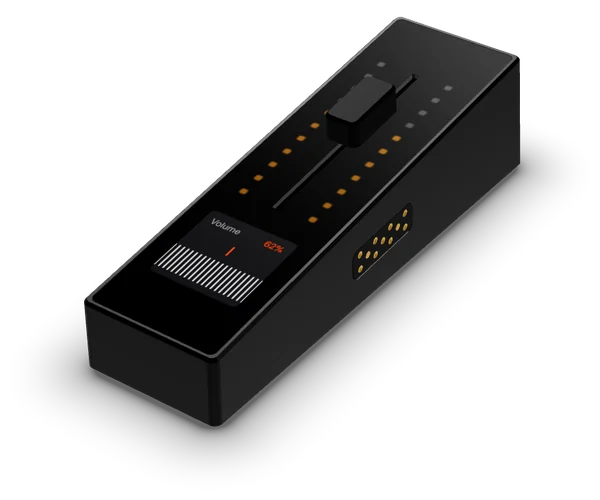
- 01
Remove the fader cap by pulling it straight up. Keep it somewhere safe.
- 02
Clean the glass with a wet wipe, then dry it with the cloth.
- 03
Use a dust sticker to lift any remaining specks, including around the fader slot.
- 04
Peel the backing off the film. Hold it only by the edges.
- 05
Line up the cutout with the fader slot and the edges with the module, then lower it from one end.
- 06
Push any small bubbles out to the edge with the bubble remover tool.
- 07
Press the fader cap straight back down until it sits firmly.
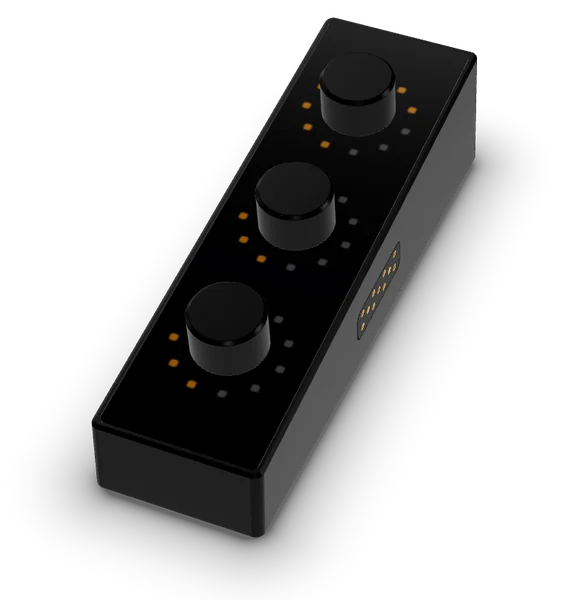
- 01
Remove all three knobs by pulling each one straight up. Keep them together so none go missing.
- 02
Clean the glass with a wet wipe, then dry it with the cloth.
- 03
Use a dust sticker to lift any remaining specks, especially around the knob shafts.
- 04
Peel the backing off the film. Hold it only by the edges.
- 05
Line up the three holes with the knob shafts and lower the film into place.
- 06
Push any small bubbles out to the edge with the bubble remover tool.
- 07
Press each knob straight back down until it sits firmly.
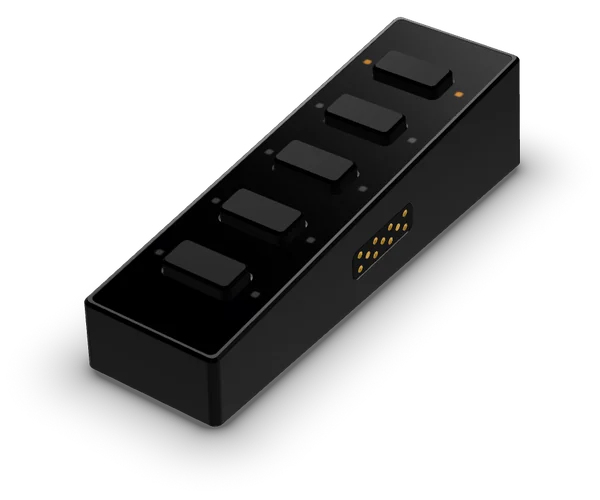
- 01
Clean the glass around the buttons with a wet wipe, then dry it with the cloth.
- 02
Use a dust sticker to lift any remaining specks, especially along the button edges.
- 03
Peel the backing off the film. Hold it only by the edges.
- 04
Line up the cutouts with the five buttons and lower the film into place.
- 05
Push any small bubbles out to the edge with the bubble remover tool.
TODO: a step-by-step graphic for each module.
TODO: the videos. A thumbnail first; the player loads only after a click, with no third-party cookies before consent.